 Projectear
Filed under: Accessible communication
A presenter changes slides while a participant is still reading the comparison on the first one. The next explanation may be clear on its own, yet the person is now trying to finish one task while following another.
The W3C WAI guidance on accessible meetings and presentations discusses providing material ahead of time, limiting slide content, explaining relevant visual information and allowing time to process it. The example below applies those ideas to one presentation decision rather than prescribing a pace that suits everyone.
Give the slide one job
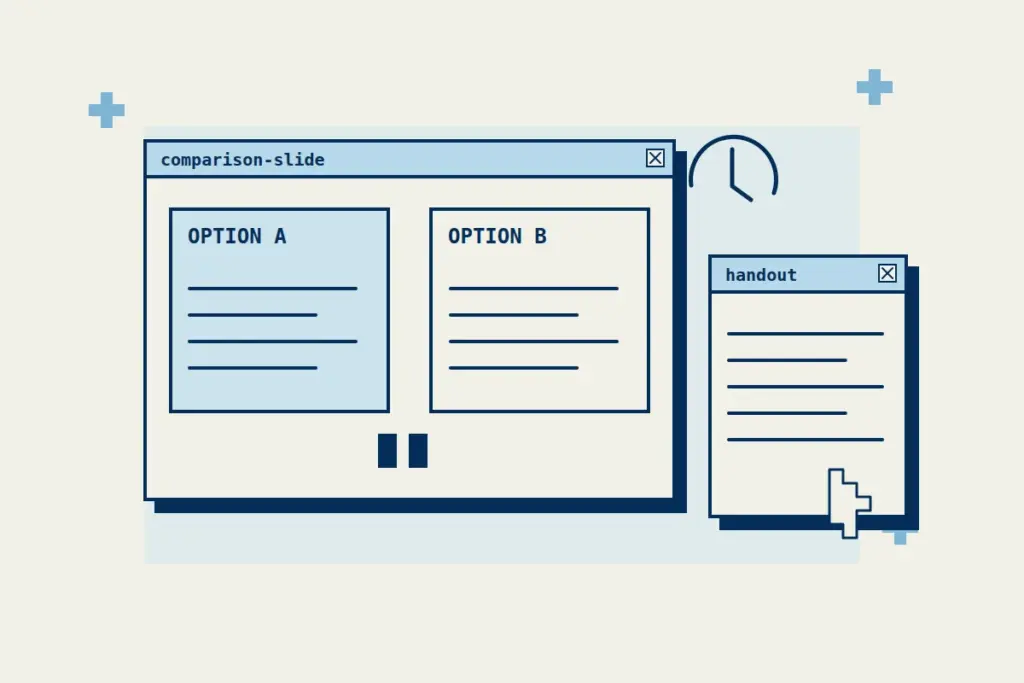
Hypothetical example: a team is explaining two feedback routes. The slide says Correct a factual detail — annotate the shared draft and Propose a new topic — use the idea form. A participant needs to choose the route before following its detailed instructions.
The presenter could ask, “Where would you send a correction to the date?” and leave room to inspect the two choices before starting another explanation. These are invented routes, not links to working forms. The full instructions remain in the companion material; the simplified slide keeps the current decision visible.
Keep any exception that changes the route choice beside the comparison. Move supporting detail only when it remains available through the companion resource.
Explain the relationship, then leave room to read
Describe what the comparison shows, including relevant headings and differences that would otherwise be visible only. Avoid relying on a gesture towards one side of the screen to identify a route.
Separate the explanation from a deliberate opportunity to inspect the material. Tell participants what they are being asked to look for and pause before moving to another topic. Asking people to read a paragraph while adding a different spoken explanation creates competing demands.
There is no universal number of seconds that makes this sufficient. The content, communication arrangements and people involved affect what is workable. Agree a way to request more time without requiring someone to explain a personal circumstance publicly. Do not use the absence of a request as the only evidence that everyone is ready to move on.
Make the companion resource usable
Provide the material before the session where possible, through a route participants can open directly rather than assuming that a screen-shared image serves the same purpose. Identify any later change so people can find the version being discussed. Keep names and versions consistent, so someone following the resource knows which section the presenter is discussing.
If someone uses captions, interpretation or another agreed support, allow for that when planning the explanation and transitions. A pause added at the end cannot recover information that was never available in a usable form.
Ask about the decision the slide supported
Invite questions about which feedback route to use and where the detailed instructions are located. Offer an appropriate way to respond during or after the session. A person need not speak immediately to contribute a useful question.
For the next presentation, use the specific difficulty reported to revise the slide, the spoken explanation or the moment you move on.