Filed under: Accessible communication
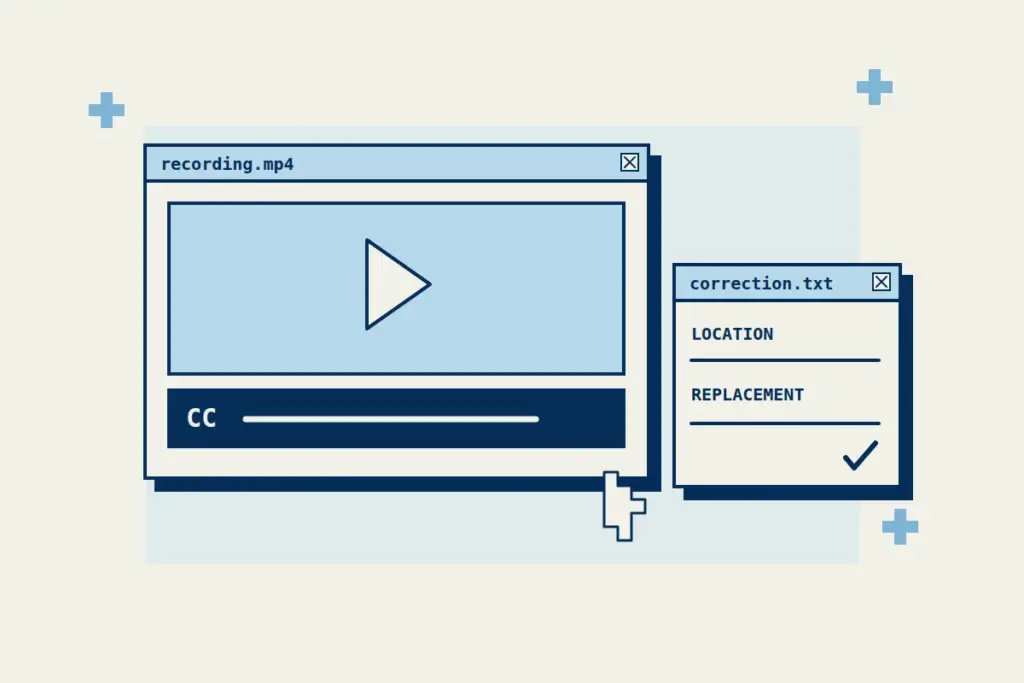
A viewer spots a caption error in a published recording. Their message says that the wording is wrong, but the editor has several versions and more than one language track. A small amount of location information can turn that message into a correction someone can investigate.
The W3C WAI captions guidance explains that captions carry speech and relevant non-speech audio in time with the media, and that automatic output needs accuracy checking. This article concerns a later step: receiving and resolving an error report. Projectear’s existing caption-review guide covers the broader checks before release.
Ask for enough information to find the problem
In an invented example, the report concerns Workshop introduction v2, the English caption track, at about 00:42. The viewer writes: “The caption says morning session; I hear afternoon session. Please check.” An actual report should also supply the recording link, so the editor can locate the right asset.
The quoted message and recording identifier are fictional. The message identifies a discrepancy to investigate; it is not an approved correction. The editor still needs to compare the source passage and the deployed track before changing the caption or closing the report.
The viewer need not diagnose the captioning system or provide a perfect replacement sentence. The editor is responsible for investigating the source and deciding what correction is justified.
| Detail | Useful information |
|---|---|
| Where | The recording link and, if known, the caption language or track. |
| When | An approximate timestamp or the surrounding topic. |
| Problem | The displayed wording or the meaning the viewer could not follow. |
| Check | The source passage the editor will compare with the report. |
Give the report a responsible editor
Name a person or working queue that receives reports, and make the route easy to find near the recording. A mailbox that nobody checks leaves the correction process unfinished even if the reporting link works.
The editor can confirm the affected version, locate the passage and record whether the issue concerns words, speaker identity, meaningful sound or timing. If a detail remains uncertain, ask the appropriate source to clarify it instead of silently choosing a plausible answer. Keep captions faithful to the recording: if the spoken statement itself is wrong, arrange a clearly identified correction rather than making the caption pretend different words were spoken.
Check the correction where viewers will use it
After editing, check that the intended track appears with the intended recording. A corrected file saved in a folder has not yet established what the public player presents.
Review the affected passage in context, including its timing. If a related transcript was built from the captions, check whether the same error reached that record too. A change to one output may leave another inconsistent.
Close the loop with a clear status
Retain the report, the recording and caption-track versions affected, the correction made and when the deployed result was checked. Where a reply is possible, tell the reporter whether the issue was corrected or still needs clarification. Keep a report open if the source or published result remains unresolved.
This is a suggested correction workflow, not a guarantee of flawless recognition or a complete accessibility assessment. It lets a viewer report a concrete difficulty and gives the editor a traceable route from that report to the material people actually encounter.